What makes this file tricky
An old QXD may be hard to open on a modern workstation. The file still contains editable stories and frame coordinates that can be recovered.
Open a classic Mac QuarkXPress 3.1 or 3.2 document and recover editable text frames and page geometry in an IDML package.
Free preview US$15 per document export
Files stay on your device. No account needed.
Mac QXDInput format
IDMLOutput format
Local processingFiles stay in your browser
An old QXD may be hard to open on a modern workstation. The file still contains editable stories and frame coordinates that can be recovered.
Recovers supported editable text and frame placement. Image frames become placeholders. Review complex typography and master-page features after opening.
Open a classic Macintosh QuarkXPress 3.1 or 3.2 QXD document.
Review editable text, frame placement and any recovery notes.
Open the exported IDML in InDesign and relink or replace artwork using your originals.
Try a sample or open your own files. The preview runs in this browser.
Choose a file or try the sample to see the result here.
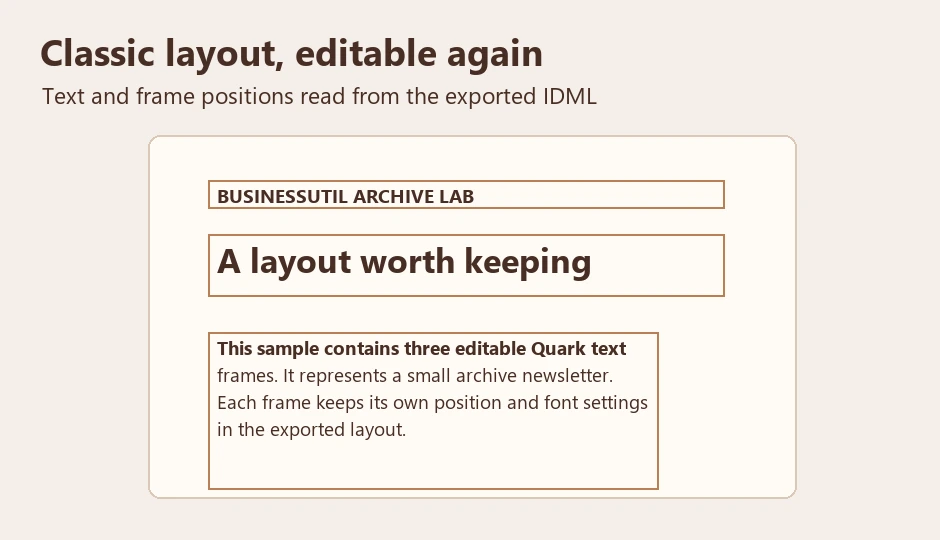
The output separates the recovered text from its frame geometry for editing and makes visible where images require the originals.
| Tool | What it does |
|---|---|
| Layout Rescue | The output separates the recovered text from its frame geometry for editing and makes visible where images require the originals. |
| QuarkXPress Rescue | A paid recovery application for old QuarkXPress documents. |
| InDesign import | Adobe documents direct import for later legacy QuarkXPress versions. |
The links describe each alternative's documented workflow.
$0
Open a sample or your own files and inspect the result before deciding whether to export.
US$15 per document export
Pay once to download the full result shown in your preview.
Already paid? Restore your purchase.
This release supports the checked classic Macintosh 3.1 and 3.2 formats.
Recovered image frames are placeholders. Retrieve and relink the original artwork in InDesign.
Review line wrapping, unavailable fonts and complex styles in InDesign before using the layout.
Open the IDML in Adobe InDesign, inspect the recovery notes and save your own INDD project.
The preview is free. Each document export is US$15, charged once at download.
Your files are processed in your browser. Stripe handles checkout separately.
No account is needed. Complete Stripe Checkout and return to this browser to download the result.
Open this tool in the same browser and select Restore purchase. Prepared exports are kept locally for up to seven days.
Follow the workflow and check the formats the tool supports.
See what stays in the browser and what Stripe receives at checkout.
Find out how to recover a purchase and which details to keep.
Open the tool and preview the result for free.