How do I open a classic QuarkXPress 3.1 or 3.2 file in InDesign?
Open a classic Mac QuarkXPress 3.1 or 3.2 document and recover editable text frames and page geometry in an IDML package.
- Open a classic Macintosh QuarkXPress 3.1 or 3.2 QXD document.
- Review editable text, frame placement and any recovery notes.
- Open the exported IDML in InDesign and relink or replace artwork using your originals.
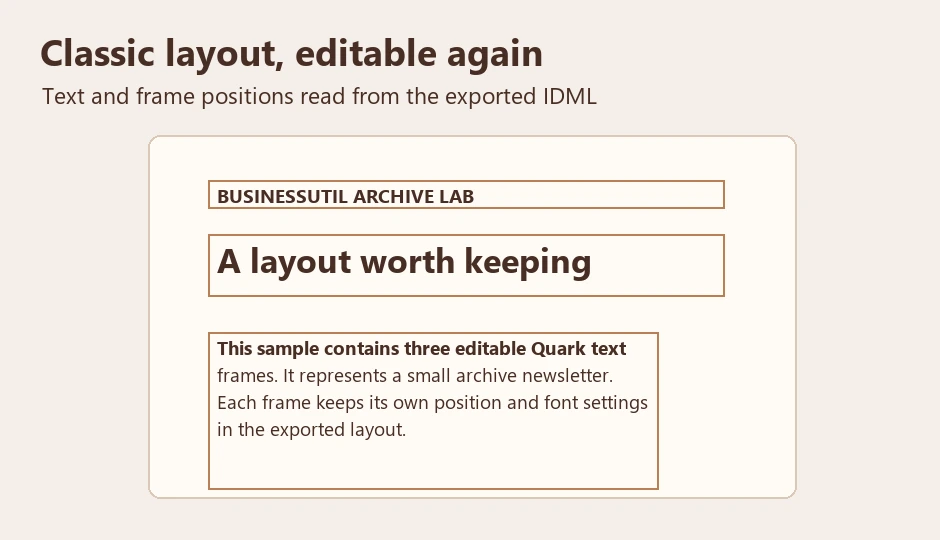
Recover text in its original page layout
The output separates the recovered text from its frame geometry for editing and makes visible where images require the originals.
Supported files
Recovers supported editable text and frame placement. Image frames become placeholders. Review complex typography and master-page features after opening.